Once Spatial Reality has been installed on your computer. You can manage Spatial Reality and edit any configuration settings from the status bar menu.
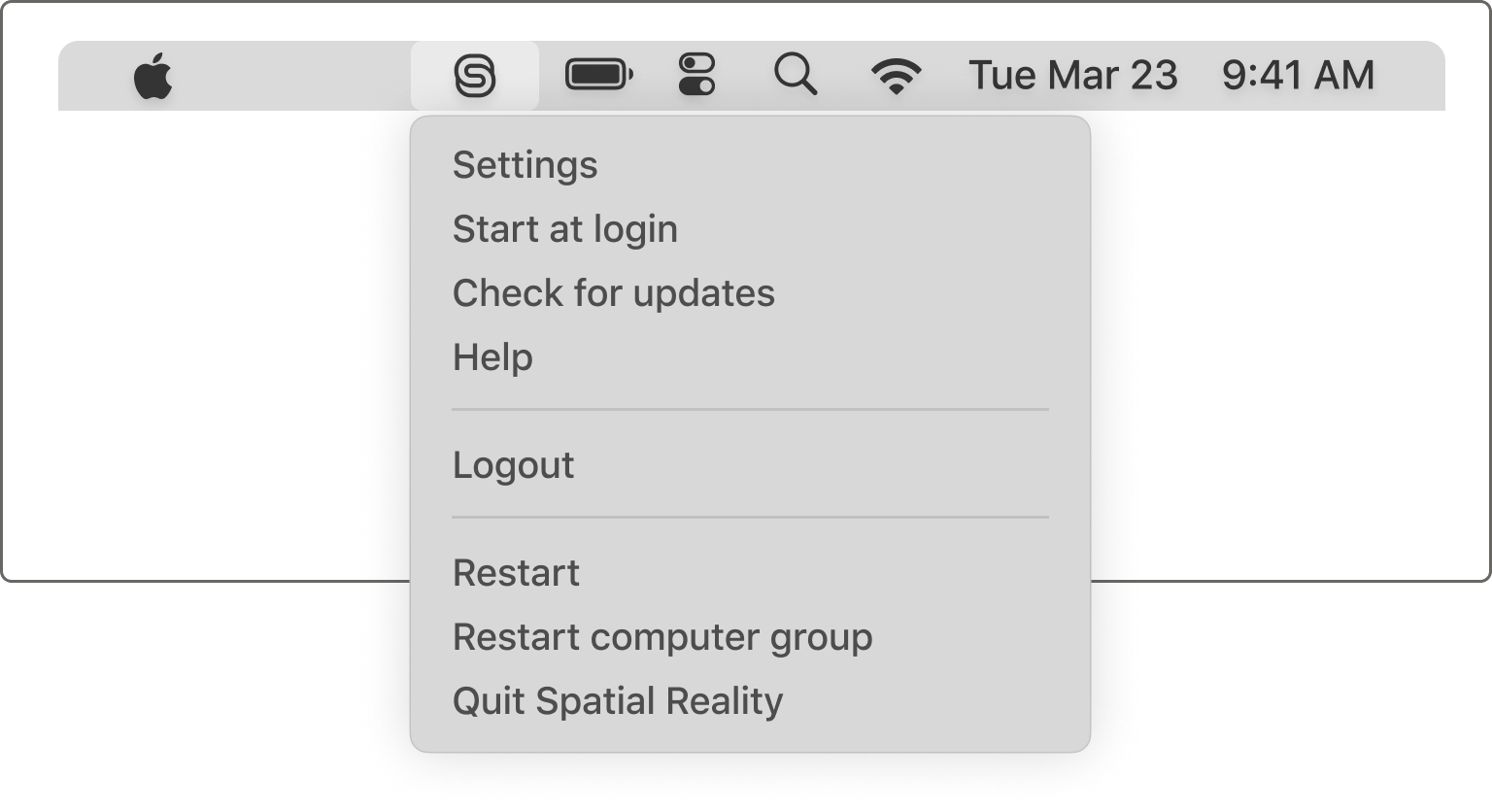
| Settings |
Edit any of the Spatial Reality settings for this computer. |
| Start at Login |
Launch the Spatial Reality app status menu bar item upon restart. |
| Check for Updates | Check if there is an update available for Spatial Reality. |
| Help | Opens the Spatial Guide in your browser. |
| Login/Logout |
Indicates whether you are logged in or out If you are logged out, some other options in this menu will be unavailable. |
| Restart |
Restarts Spatial Reality on this computer. |
| Restart Computer Group |
Restarts Spatial Reality on every computer that is part of this computer group. |
| Quit Spatial Reality |
Quits the application. The Spatial Reality engine will continue running in the background. |